

Close Menu
ChoiseTips
    Editor's Picks

    How to Stop Someone From Seeing Your Posts or Stories on Instagram Without Blocking?

    Xfinity WiFi Password Change Not Working [Solved]

    How to See Likes on OkCupid for Free?

    Facebook X (Twitter) Instagram
    ChoiseTips
    • How To
    • Games
    • Android
    • iPhone
    • Apps
    • Software
    • Hardware
    • Social Media
    Facebook X (Twitter) Instagram
    ChoiseTips
    Home»Social Media»What If i Accidentally Clicked On a Virus Link on Facebook?
    Social Media

    What If i Accidentally Clicked On a Virus Link on Facebook?

    choisetipsBy choisetipsJune 9, 20242 Mins Read
    Facebook Twitter Pinterest LinkedIn WhatsApp Reddit
    Share
    Facebook Twitter LinkedIn

    Malicious links are a common threat that can be found on all types of electronic devices. These links are created by cybercriminals with the intention of deceiving users and stealing their personal information or infecting their devices with malware.

    Many people are understandably concerned about the potential consequences of clicking on a malicious link. After all, if you don’t know what to expect, it can be a nerve-wracking experience.

    So, will clicking on a malicious link always cause you trouble?

    The answer is not necessarily. It depends on the specific type of link and how you interact with it. Let’s take a closer look at how these links typically work.

    Table of Contents

    Toggle
    • What is a Virus Link?
    • What Happens if I Click on a Virus Link on Facebook?
    • Conclusion

    What is a Virus Link?

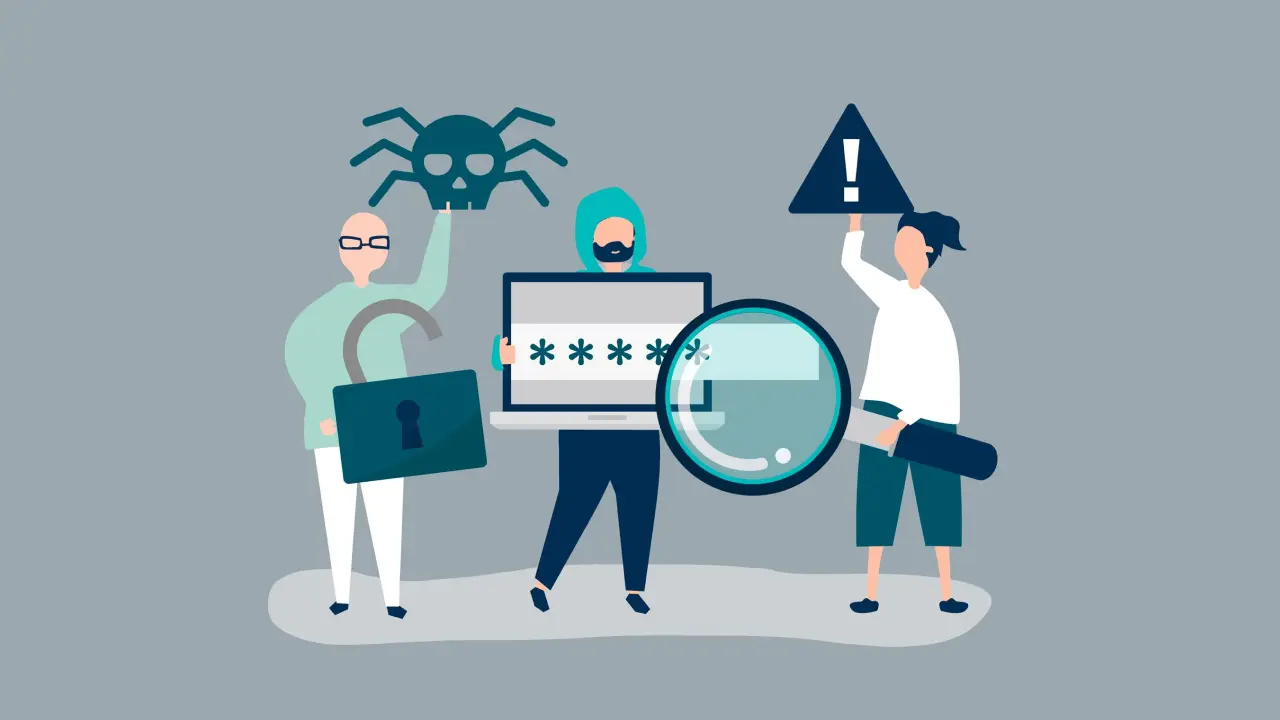
    A virus link is a deceptive link that is disguised to appear as if it comes from a legitimate source, such as a bank, social media platform, or online store. When you click on the link, you may be directed to a fake website or asked to provide personal information, such as your login credentials or credit card details.

    What Happens if I Click on a Virus Link on Facebook?

    Clicking on a virus link in a Facebook post or message will not necessarily harm you right away. The real danger comes into play if the link prompts you to enter sensitive information, such as your passwords or financial information.

    If you have given the password of a credit card, you should urgently change your password or call your bank and have your credit card switched off. Because a large amount of expenditure can indeed lead to irreversible damages.

    If you have given the password to a social media account, you should change your password before the person changes your account information. If you cannot do this, you can get information about what you can do by contacting the help team of the relevant platform.

    Conclusion

    We think we have explained everything clearly so far. Clicking on the virus link may make you nervous, but if you have not provided any information, this situation will most likely not give you a headache.

    choisetips
    • Website

    My name is Eser Şahin. I am the founder of ChoiseTips website. I have been producing articles to meet the needs of users for many years. I am also the owner of Techmedya, CADSoftUSA, Recguns, FlyNixie and İlaçdünyası

    Related Posts

    How Do Snapchat Friend Suggestions Work?

    How to Find Nearby People on Instagram?

    5 Android Apps to Get Free TikTok Followers

    How to Find Nearby People on TikTok?

    9 Best Apps to Find Unfollowers on Instagram

    What Does People You May Know on TikTok Mean?

    Leave A Reply Cancel Reply

    You must be logged in to post a comment.

    Most Popular Articles

    6 Best Free Yoga Apps for Weight Loss (No Subscription)

    Apps June 30, 2025

    Yoga, a holistic practice that unites body, mind, and spirit, fosters harmony and enables self-healing.…

    50+ Best Songs for Instagram Story

    How to Fix Location Stories Not Showing Up on Instagram?

    7 Best Ways to Find Song in a Video

    How to Fix APK App Not Installed?

    Facebook X (Twitter) Instagram
    • Contact Us
    • About Us
    • Privacy Policy

    Type above and press Enter to search. Press Esc to cancel.