



There are several 4 digit password cracker tools that have been developed to be suitable for Android devices. In this article, you will find some of our best 4 digit password cracker recommendations that you can use as an APK on your Android device. First, let’s take a look at what exactly this software is and what it does.
What is 4 Digit Password Cracker?
4 Digit Password Cracker is software developed to crack passwords that are usually created with 4 digit numbers. They often utilize a brute force attack technique to gain access to a device or account.
They can be used to crack forgotten passwords or unlock a device that belongs to you. For example, if you have forgotten the password for your phone, this software can be useful. However, you should be aware that these software should not be used for unauthorized access and it is illegal to use them for anything other than personal purposes.
So what are the 4 Digit Password Cracker tools you can use? Let’s take a look at them now.
Best 4 Digit Password Cracker Softwares for Android
Android Pin Bruteforce
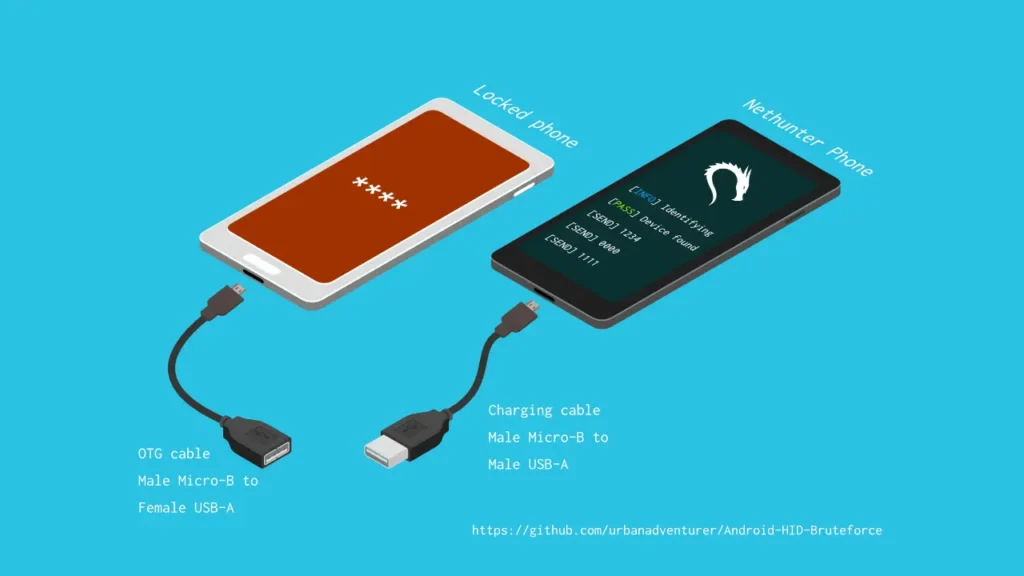
Android PIN Brute Force is a mobile application developed to crack the PIN lock screen password of Android devices. Aiming to crack 4-digit PINs by trying all password combinations from 0000 to 9999, this tool keeps working until it finds the correct password.
The installation is very simple and the instructions are clear. Since they are 4-digit passwords compared to 6-digit passwords, the password cracking process takes relatively less time. One drawback is that it can drain your device’s battery in a short time due to the constant attempts.
You can access Android PIN Brute Force as a GitHub project from the link here.
PinCrack-Phone
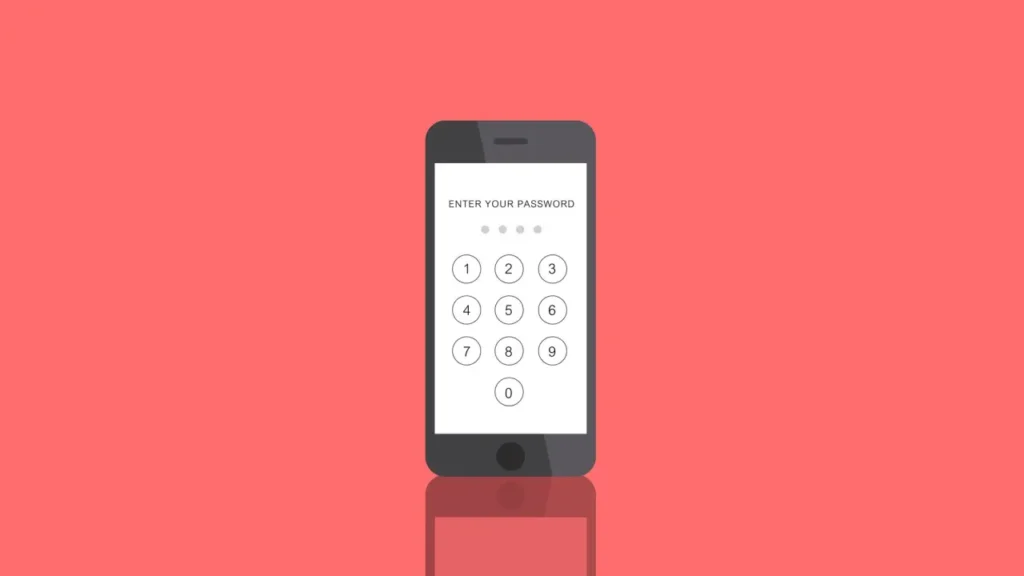
PinCrack-Phone is a specially developed software for cracking both 4 and 6 digit PIN locks. You can use the software as a security test or to recover forgotten PIN codes by using brute force attacks until you find the correct PIN.
If we talk about some of the main features of the software:
- It automatically tries all possible 4-digit PIN passwords quickly.
- Although the interface is simple, you will need some code knowledge to get the most out of the tool.
- It works with most Android operating system versions.
For more information about PinCrack-Phone, you can click here.
